

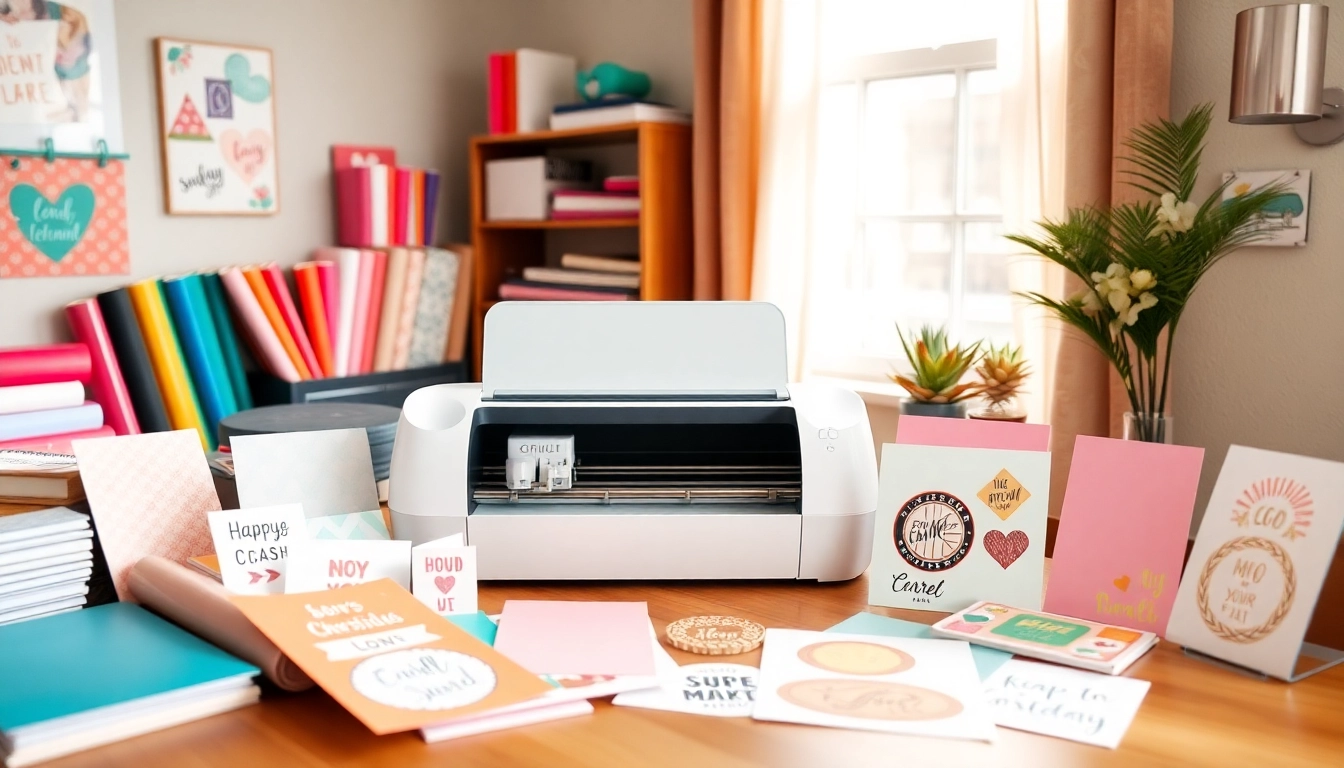
Getting Started with Cricut for Beginners
If you’re new to crafting or looking to explore a creative outlet, the Cricut machine is an excellent tool that opens up a world of possibilities. Whether you’re interested in creating personalized gifts, home décor, or even custom apparel, understanding the fundamentals of Cricut can empower you to express your creativity like never before. As a beginner, you might feel overwhelmed by the choices and techniques available, but fear not! In this guide, we will break down everything you need to know about using a Cricut, making it easier for you to dive into this exciting craft. For comprehensive insights tailored specifically for newcomers, you can check out Cricut for beginners.
Understanding Cricut Machines: Which One is Right for You?
The first step to mastering your Cricut is selecting the right machine. As of 2026, the most popular Cricut machines include the Cricut Maker, Cricut Maker 3, Cricut Explore Air 2, and Cricut Joy. Each model has unique features suited to different crafting needs:
- Cricut Maker: Best for versatility and advanced materials, allowing for cutting, writing, and scoring.
- Cricut Maker 3: An upgrade to the Maker, featuring faster cutting speeds and the ability to use Smart Materials for longer cuts.
- Cricut Explore Air 2: Ideal for those who enjoy basic crafting and wish to create custom designs on paper, cardstock, and vinyl.
- Cricut Joy: Great for quick projects and smaller spaces, perfect for those new to crafting or looking to create simple designs.
Choosing the right machine depends on your project goals and material preferences. If you plan on working with various materials and intricate designs, the Maker or Maker 3 may be the best fit. Conversely, the Explore Air 2 and Joy are excellent for quick, simple projects.
Essential Tools and Materials to Begin Your Cricut Journey
Once you’ve selected your Cricut machine, it’s time to gather the essential tools and materials you’ll need. Here’s a quick list to get started:
- Cutting Mat: Different mats (light grip, standard grip, heavy grip) cater to various materials.
- Blades: Ensure you have the correct blades for different materials. The fine-point blade is great for most projects.
- Weeding Tools: Necessary for removing excess material after cutting.
- Transfer Tape: Ideal for transferring your designs onto your final project surface.
- Vinyl and Iron-on Materials: Popular choices for beginners, allowing for a wide range of projects.
Having the right supplies ready will make your crafting experience more enjoyable and efficient.
Setting Up Your Cricut: A Step-by-Step Guide
Getting started with your Cricut machine involves several steps:
- Unbox and Assemble: Carefully unbox your machine and follow the instructions for assembly.
- Connect Your Cricut: Use the USB cable or Bluetooth to connect your machine to your computer or smartphone.
- Install the Software: Download and install Cricut Design Space, the software you will use for designing and sending projects to your machine.
- Set Up Your Account: Create a Cricut ID to access design features and tutorials.
- Test Your Machine: Follow initial prompts to ensure your machine is functioning correctly. Try a test cut to familiarize yourself with the operation.
Basic Techniques for Cricut Beginners
Learning Design Space: Your First Project Overview
Once you have your Cricut set up, the next step is to get comfortable with Cricut Design Space. This user-friendly software allows you to create, edit, and cut designs easily. Start by exploring pre-made projects available in the app:
- Choose a Project: Select a beginner-friendly project from the library.
- Modify as Needed: Customize the design by changing the size or adding text.
- Prepare for Cutting: Follow the prompts to set material type and blade.
Practicing with pre-made designs helps you learn the software while producing tangible results.
Cutting Techniques: Exploring Different Materials
With Cricut, you can cut a wide range of materials, each requiring specific settings and techniques:
- Paper and Cardstock: Standard cutting settings work well; ensure your blade is clean and sharp.
- Vinyl: Use a light grip mat; remember to mirror your design if applying to fabric or other surfaces.
- Iron-On Material: Also requires mirroring; use a standard grip mat, and apply heat correctly for lasting results.
- Wood and Fabric: Advanced settings may be necessary; consult guides for specific techniques and settings.
Experimenting with different materials will enhance your skills and expand your crafting repertoire.
Weeding and Application: Tips for a Flawless Finish
Weeding refers to the process of removing excess material from your cuts. It’s crucial for achieving a clean finish:
- Use the Right Tools: A weeding tool makes it easier to remove small pieces from intricate designs.
- Take Your Time: Be patient while weeding; rushing can lead to mistakes.
- Test Placement: Before applying your design, lay it out to ensure the placement is perfect.
Mastering weeding techniques will significantly improve the overall look of your final projects.
Creative Project Ideas for Cricut Beginners
Top 5 Easy Cricut Projects to Start With
If you’re looking for inspiration, here are five beginner-friendly projects to kickstart your Cricut journey:
- Personalized Mugs: Use vinyl to create custom designs for ceramic mugs.
- Greeting Cards: Craft unique cards with layers of paper cutouts.
- Simple Wall Art: Create stylish vinyl wall decals.
- Tote Bags: Customize fabric tote bags with iron-on materials.
- Labels: Design and cut labels for organization around the home.
Making Personalized Gifts with Your Cricut
One of the best uses for a Cricut is creating personalized gifts that show thoughtfulness and creativity:
- Engraved Gifts: Use the engraving tool to personalize cutting boards or metal items.
- Customized Apparel: Create unique designs for t-shirts, hats, or sweatshirts using iron-on vinyl.
- Memory Scrapbooks: Enhance scrapbooks with custom cutouts and beautiful lettering.
These projects not only make great gifts but also allow you to practice various Cricut techniques.
Home Décor Projects: Simple and Stylish Ideas
Transforming your living space with Cricut is easier than you think. Here are a few home décor project ideas:
- Framed Quotes: Create inspirational quotes and display them in stylish frames.
- Window Clings: Design window clings for seasonal decorations.
- Customized Cushions: Use iron-on vinyl to personalize couch cushions.
- Wall Art: Combine various materials for a mixed-media wall art piece.
These ideas can enhance your space while honing your crafting skills.
Troubleshooting Common Cricut Challenges
Addressing Cutting Errors: Solutions for Beginners
As a beginner, you may encounter cutting errors. Here are some common issues and quick solutions:
- Blade Issues: If cuts are not clean, try replacing or cleaning the blade.
- Material Misalignment: Ensure materials are properly placed on the mat and aligned correctly in the software.
- Mat Condition: A worn-out mat may not hold materials securely; consider replacing it.
Fixing Design Space Issues: What to Do When Problems Arise
If you run into problems with Cricut Design Space:
- Clear Cache: Regularly clearing your browser’s cache can resolve loading issues.
- Restarting the Application: Sometimes, a simple restart of Design Space fixes glitches.
- Check for Updates: Ensure your software is up-to-date for optimal performance.
Keeping Your Cricut Machine in Top Shape: Maintenance Tips
Regular maintenance helps prolong the lifespan of your Cricut machine:
- Clean Regularly: Keep the machine free of dust and debris.
- Inspect Blades: Check blades frequently to ensure they’re sharp and functional.
- Store Properly: When not in use, cover the machine and store it in a safe place.
Future Trends in Cricut for Beginners
Emerging Tools and Technologies for Cricut in 2026
The crafting world continues to evolve, and Cricut is at the forefront of innovation. Here are some upcoming trends:
- Smart Materials: Expect a wider range of smart materials that simplify the cutting process.
- Augmented Reality Features: Future updates may include AR capabilities for design visualization.
- Advanced Software Features: New tools and functionalities in Design Space will enhance user experience.
Adapting to New Crafting Styles and Trends
As crafting styles evolve, being adaptable is crucial. Stay updated with trends through online communities and social media platforms. Engaging with other Cricut users can provide insights into new techniques and project ideas.
Building a Creative Community: Finding Support and Inspiration
Joining crafting groups on social media, participating in online forums, and attending local workshops can be invaluable for beginners. Sharing experiences and learning from others can accelerate your journey in mastering the Cricut.
